Dental chart
The record for people who work on teeth.
Odontogram, periodontal probing, radiographs, implants and dental history. Every save is a snapshot with its date, and the earlier ones stay readable.
The features
The 14 features of Dental chart, each explained below.
- OdontogramThe state of every tooth and surface, with the date.
- Periodontal chartSix-site probing per tooth.
- Medical recordVisits, dental chart, X-rays and documents in one record.
- Medical history and oral cavityThe questions before a procedure.
- DictationYou speak during the visit and the fields fill in.
- Radiograph logEvery exam, with the reason and the parameters.
- Implants and devicesImplant lot, laboratory declaration.
- Clinical photosThe patient's photos, in the record.
- Outcomes and complicationsYour practice's emergency protocol, step by step.
- Practice notesPages of notes, linked to patients.
- Scientific literaturePubMed from the record, by study type.
- Prescriptions and AIFA drugsYou pick the drug from the AIFA catalog.
- Reports and testsLab tests, value by value.
- Questionnaires and scalesThe patient fills in on the tablet, and you compare over time.
Only in Fibonacci
Three things in the record you only find in Fibonacci.
From the session row you open «Emergency»: a stopwatch counts the time from opening, the protocol written by your practice is ticked off step by step, and at closing you record severity and outcome. Fibonacci doesn't suggest drugs or doses.
Visit of 14/11: extraction 38
The path
From the first visit to the follow-up, everything stays in the same record.
- 1The dental historyDental history, medications and conditions to know before a procedure, as the patient reports them.
- 2The odontogramStatus of every tooth and every surface, with the date.
- 3The probingSix sites per tooth: depth, recession, bleeding, plaque.
- 4X-raysType of exam, reason and device parameters.
- 5Implants and prostheticsLot and UDI of the implant. For a prosthesis, the lab and its declaration.
Odontogram
Thirty-two teeth, and on each one what is on it.
FDI numbering, permanent and deciduous teeth, five surfaces per tooth. On the tooth you choose missing, implant, crown, root-treated or to extract. On the surfaces you mark caries or filling. The abbreviations follow the tooth: incisal at the front, palatal at the top.
- Every save is a new snapshot, never a correction of the previous one.
- A missing tooth or one with an implant has no surfaces.
- In the treatment plan the tooth shows its items.

Periodontal chart
Six-site probing per tooth, clinical attachment calculated.
For each site you write probing depth and recession in millimetres, and mark bleeding and plaque. The program adds up the clinical attachment and shows the percentages of sites that bleed and of sites with plaque. Per tooth you can add mobility and, where there are multiple roots, furcation.
- You choose stage and grade, the program does not infer them.
- Teeth missing in the odontogram are excluded.
- Every probing stays in the history, with the date.

Medical record
Open the patient's record and you have visits, dental chart, X-rays and documents in front of you.
The record's bar has these tabs: summary, medical history, visits, dental chart, periodontal chart, plans, questionnaires, prescriptions, tests, photos, X-rays, implants and devices, documents. "New visit" opens the step-by-step path, from the reason for the visit to the conclusion.
- Allergies and current therapies are at the top, always.
- If allergies or blood group are missing, the visit flags it in yellow.
- Answers from the form the patient filled in arrive as proposals, not as data.
Summary
Medical history and oral cavity
Dental history asks what you need to know before treating.
Dental history, home hygiene, reactions to anaesthesia or materials. Then the medications and the conditions to know about: antiresorptives, anticoagulants, heart, diabetes. The oral cavity examination records mucosae and lymph nodes.
- They are the patient's answers, written the way they tell them.
- The software does not warn and does not calculate risks.
- A separate form records the prophylaxis you have decided on.
Conditions to know
Dictation
You dictate the history while you examine and find the fields already filled in, ready to review.
Press "Dictate the history" and talk as you would to a colleague. Fibonacci separates allergies, medications and the patient's request, and shows you what it understood before writing it down.
- In the visit you dictate the reason and the other fields by voice.
- You choose the scale grades yourself: next to them you find the sentence you said.
- You can also upload a recording in MP3, WAV or M4A.
Radiograph log
For every radiograph, the written reason and the parameters of the machine.
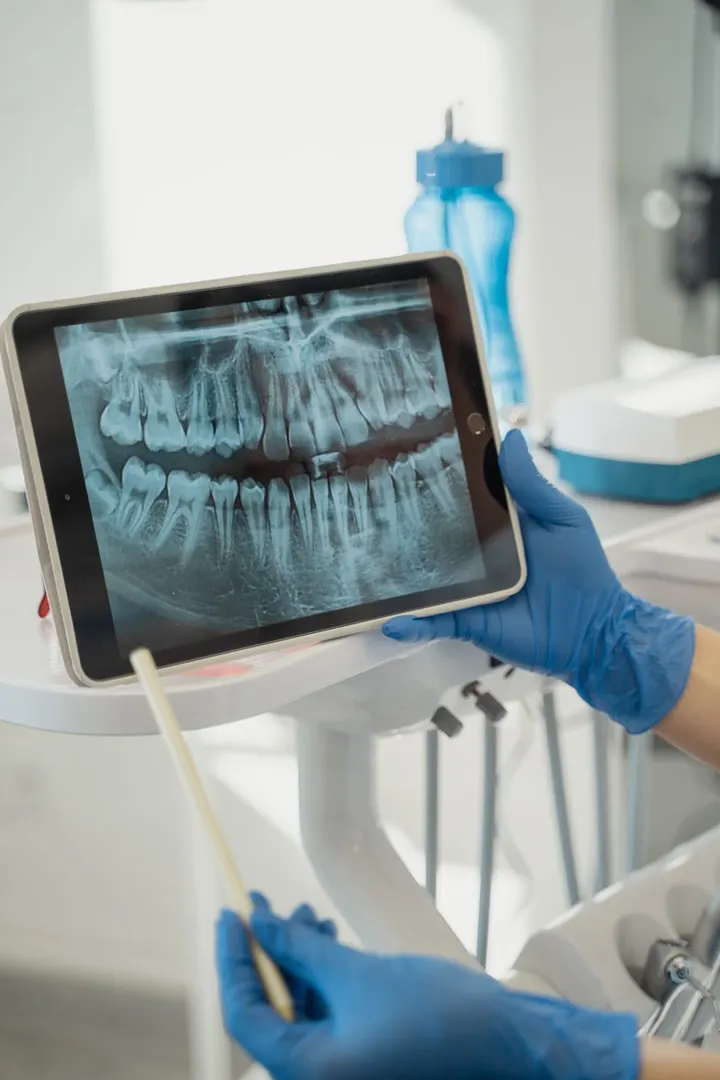
Intraoral, bitewing, panoramic, cephalometric, CBCT. The justification is mandatory: without it, the exam is not saved. Then date, site, kV, mA, time, DAP, field of view for CBCT, machine, who performed it, report.
- The software does not suggest the exam and does not calculate the dose.
- The limits on the numbers only stop typing mistakes.
- Every exam goes into the chart and into the export.

Implants and devices
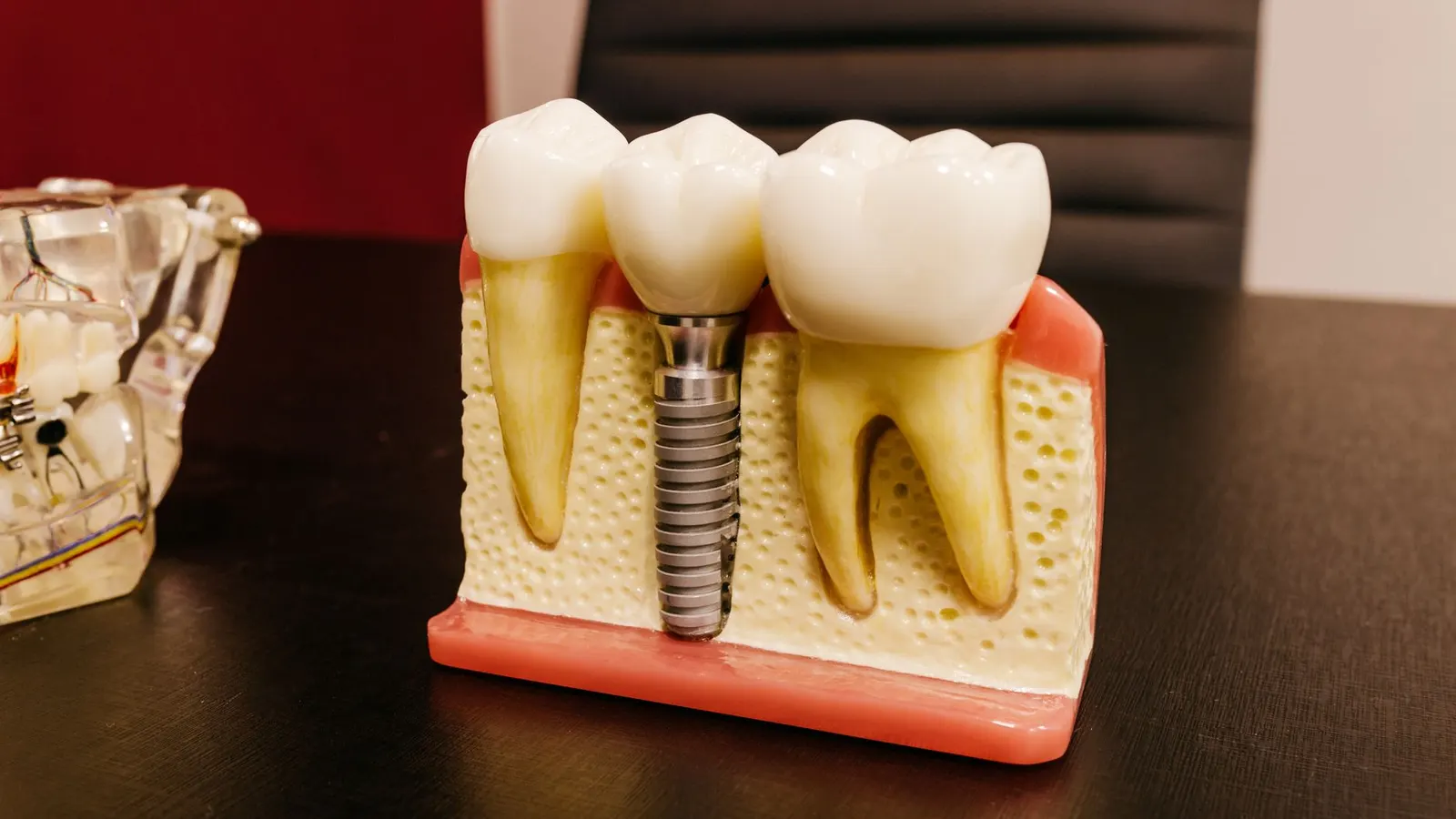
The implant lot and the laboratory declaration are in the record.
For an implant: teeth, date, description, manufacturer, lot, UDI code. For a device made for a single patient (crown, bridge, prosthesis, appliance): the laboratory, the declared materials, the declaration number and the file uploaded among the documents.
- The implant lot is mandatory, it is what lets you trace the patient.
- From "Who received it" in the warehouse you get to the patients of a lot.
- No compatibility check between components.

Clinical photos
Clinical photos live in the patient record, not on your phone.
In the Photos tab you find the practice images, encrypted before sending. They come out with the export of the record.
- EXIF data is removed.
- Photos for care and photos for promotion are two different uses: the second one needs a separate consent.
- The record exports with its photos.
Clinical photos
Prescriptions and AIFA drugs
The drug is chosen from the AIFA catalogue and the prescription checks the allergies.
The field searches the AIFA entries by brand name or active ingredient. Write dose, frequency and duration. If there is an allergy in the history, the prescription flags it for you.
- The prescription stays in the chart.
- The catalogue updates itself.
- Narcotics and magistral preparations stay on paper, as the law requires.
From the AIFA catalog
Reports and testsComing soon
Lab tests enter the record value by value, with out-of-range ones flagged.
«Import report» accepts a PDF or a scan, an HL7 file from the lab or a FHIR report. For HL7 and FHIR you see the table of values before importing: test, value, reference range, lab flag.
- If the tax code on the report isn't the patient's, it isn't imported.
- The import is undone with one click, if you picked the wrong file.
- The test request starts from the record, with the recognised coding.
Tests of 12/11, from HL7 file
Questionnaires and scalesComing soon
The patient fills in the questionnaire on the tablet, and answers are compared over time.
From the record summary you pick the questionnaire and hand the tablet to the patient: on screen she sees only that. Answers that measure something become numbers, and two fillings months apart are compared.
- Previous fillings stay under the questionnaire, with the date.
- Clinical scales belong to the dentist's assessment.
- Questionnaires are written in the data: you add more without touching the program.
Treatment questionnaire
Dental chart
What changes during the visit.
| Without Fibonacci | With Fibonacci |
|---|---|
| Tooth status sits on a drawn chart, and to find a filling again you page through the visits. | Thirty-two permanent teeth and twenty primary teeth, numbered FDI. Caries and fillings sit on the surfaces, every save has its own date. |
| Probing goes on a sheet, and clinical attachment is worked out in your head. | For each of the six sites you write probing depth and recession, and the program adds up clinical attachment. |
| Why a radiograph was taken lives in memory, the parameters on the device display. | Every exam has the reason written by you and the parameters copied from the device. |
| The implant lot label is stuck on a paper card. | The lot is mandatory in the implant record, and from a lot you trace back to patients. |
| The lab declaration ends up in a folder, far from the tooth. | You upload it among the patient documents and link it to the work it refers to. |
| The drugs the patient takes are asked out loud and written down wherever. | The dental history already has the questions to ask before surgery: antiresorptives, anticoagulants, heart, diabetes. |
Dental chart
Questions
Does the program make diagnoses?
No. You choose the stage and grade of the periodontitis. It suggests no tests or treatments and does not flag a risk on its own.
Can I correct an odontogram I already saved?
You save a new snapshot. The earlier ones stay in the history exactly as they were.
Which states can be marked on a tooth?
Missing, implant, crown, root-treated, to be extracted. On the surfaces, caries or filling.
Does the software calculate the radiograph dose?
No. You write the values you read on the device. For CBCT there is also the field of view.
Does it connect to sensors and DICOM images?
No. It logs the exam, the reason and the parameters. Images are not read in the program.
Is there a PSR?
No. Probing has six sites per tooth, bleeding, plaque, mobility and furcation.
Try it on your own real patients, for 15 days.
15 days free, no card. We set up the practice with you and bring your data in.
The other areas