You know what is on the shelf, what is running out, and which patients received each batch.
Stock is recalculated on its own: quantity loaded, minus what the sessions declare for the same product and the same batch, minus write-offs. When a product falls below the threshold you chose, it shows up under «To order».
- Stock and expiry
- Orders to suppliers
- Who received a batch
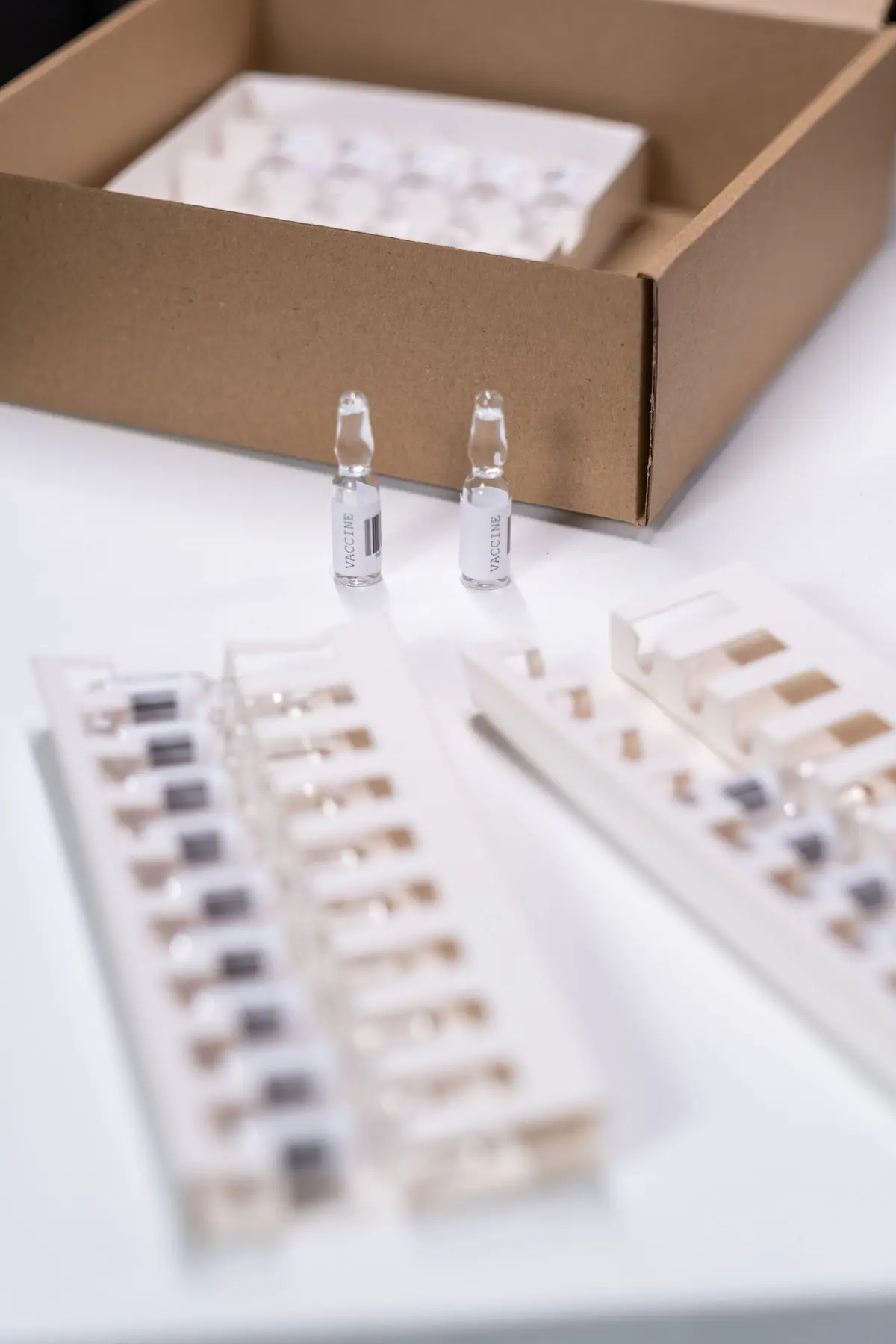
How it works
It takes a few steps, in the same order you work in the practice.
Step 1 of 5
Load the goods
«Batches» tab, «Load goods»: product, batch number as printed, expiry, quantity, price per unit, supplier. Then «Add to inventory».
Add to stock
What it does
Here is what it does, in three points.
Stock and expiry
Four statuses: Out of stock, To order, Ordered, In stock. At the top: products to order, packs about to expire, and the value of the stock.
Orders to suppliers
The order starts with your usual quantity and supplier. «Open email» prepares the message, and you send it yourself. On arrival you record batch and expiry of each product.
Who received a batch
Type the batch number and you get the sessions: patient, date, quantity, expiry. The list exports to CSV.
- Who it is for
- For the practice that uses implants, anaesthetics and materials with lot and expiry date and wants to stop counting packages by eye.
- Specific features
- Stock goes down from the sessions, with no second entry. The program does not tell you how much to keep: you choose the minimum stock.
- What it costs
- Included in every plan, from 129 € a month for one doctor, VAT excluded. The first 15 days are free.
Without and with
Here is what changes in the practice's day.
| Without Fibonacci | With Fibonacci |
|---|---|
| You count the cartridges on the shelf and trust the sheet. | Stock is recalculated from the sessions and the write-offs. |
| The batch is on the box or in a notebook. | Batch and expiry are written at loading and in the session. |
| You notice a product ran out when you need it. | Below the threshold you chose, the product moves to «To order». |
| You write the supplier order from scratch each time. | The order starts with quantity, supplier and last price already filled in. |
| After a recall you leaf through the records one by one. | Type the batch and you get the patients, with dates and quantities. |
In the product
The stock

Real screenshot of the application, with sample data.
Good to know
Before you use it, there are four things worth knowing.
Units are not converted
If the package is in boxes and the session declares pieces, that session is not deducted and the lot history flags it. You write the ratio yourself, from the box, in “What it contains”.
It neither sends nor recalls
You send the order yourself. The text for patients you copy and send from your own channel, and it does not say why you are getting in touch. Whether a batch must be recalled is for the manufacturer or the Ministry to say.
The history has no names
Loads, write-offs and sessions of a batch appear without the patient: names are only in «Who received it». A wrong load is not deleted, it is withdrawn.
Write the batch as printed
«A1234-B» and «A1234 B» are two different batches. The search does not see sessions without a batch number, and a notice reminds you of them.
Related features
It works together with these other parts of Fibonacci.
Questions
Answers to the questions that come up first.
Does the program tell me how much to keep?
How do I correct a wrong load?
Do write-offs end up in the patient's record?
Is the batch compulsory in a session?
Why doesn't the stock go down?
Is the same batch written in two ways a problem?
Does the order go to the supplier on its own?
Why write the price at stock entry?
Payments and numbers
Try it in your practice for 15 days, no credit card.
Within one business day we'll call you: we set up the practice together and import your data.
Continue: Batch traceability →