You search for a drug by name or active ingredient and the official AIFA technical data sheet opens.
From the Medicines menu, type the brand name, the active ingredient or the AIC code. You can filter by category, for example Local anaesthetics. On the row, press Open: you see the AIC code, ATC and composition, and the two buttons Product information (SmPC) and Package leaflet (PL) open the official document.
- Search by name or active ingredient
- Technical data sheet and package leaflet
- List updated every night
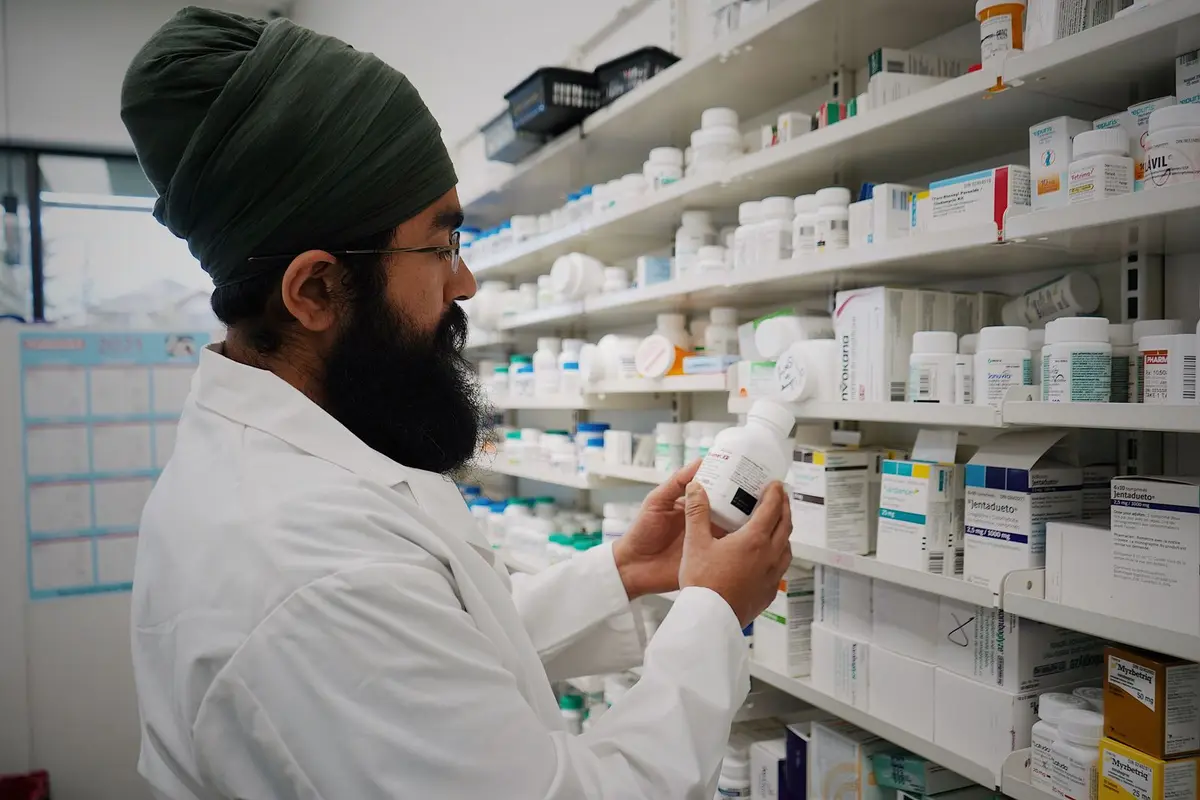
Official AIFA document
How it works
It takes a few steps, in the same order you work in the practice.
Step 1 of 5
Open Drugs
From the menu, under Tools, choose Drugs. The page says the AIFA catalogue is updated every day.
Search an AIFA drug
What it does
Here is what it does, in three points.
Search by name or active ingredient
A single field searches by brand name, active ingredient or AIC. The list shows Brand name, ATC, Company and the Open button.
Technical data sheet and package leaflet
In the drug record you switch from the Technical data sheet (RCP) to the Package leaflet (FI). With Open original you go to the document on the AIFA website.
List updated every night
The update starts on its own and imports only what AIFA has changed. The status page, for the administrator, shows how the last run went.
- Who it is for
- For the physician checking a dosage, a contraindication or an interaction without leaving the practice management software.
- Specific features
- Dosage and contraindications come from the official AIFA document, loaded from the agency's database, not from an artificial intelligence. Fibonacci's assistant does not give dosages.
- What it costs
- Included in every plan, from 129 € a month for one doctor, VAT excluded. The first 15 days are free.
Without and with
Here is what changes in the practice's day.
| Without Fibonacci | With Fibonacci |
|---|---|
| For a contraindication you open the AIFA website in another tab and search all over again. | You search in the Drugs field and press Open. |
| You look for the Summary of Product Characteristics in a PDF you downloaded months ago. | It is today's official document, loaded from AIFA. |
| You remember the active ingredient of a brand name by heart. | You search by active ingredient and find the matching products. |
| The drug list is a list that someone remembers to update. | It updates itself every night, and the status page tells you how it went. |
| You type the prescription drug by hand. | You choose it from the same catalog, including in New prescription. |
In the product
The AIFA drug catalogue

Real screenshot of the application, with sample data.
Good to know
Before you use it, there are four things worth knowing.
The category filter only looks at the drugs loaded
The ATC category works on the drugs already loaded on the page, not on the whole catalogue, and the page says so. To search the whole catalogue use the search field with the name or the full ATC code.
It is not a list of all drugs
It holds every medicine with Authorised status: local anaesthetics such as articaine, lidocaine and mepivacaine, antibiotics such as amoxicillin and clindamycin, analgesics.
A document may not be there
If AIFA does not publish the document for a medicine, which happens with older or withdrawn ones, the page says so. If the database does not respond, a warning appears and you try again later.
If the update fails
The list stays as it was after the last successful import: no drug disappears. Two updates cannot start at the same time, and the first one downloads everything and can take several hours.
Related features
It works together with these other parts of Fibonacci.
Questions
Answers to the questions that come up first.
What can I search for?
Where do dosage and contraindications come from?
What is the difference between the SmPC and the PL?
How up to date is the list?
Who can see the status page?
What do I see on the status page?
If the update is running, do I have to reload the page?
If the update fails, do I lose the drugs?
When I search by category I cannot find a drug I know is there.
Dental record
Try it in your practice for 15 days, no credit card.
Within one business day we'll call you: we set up the practice together and import your data.
Continue: Care team →